
Canon / Lenses
Canon Error 01: what it means and when to seek repair
An Error 01 message can interrupt shooting when you need the camera most. It helps guide inspection, but does not identify the part that must be replaced.
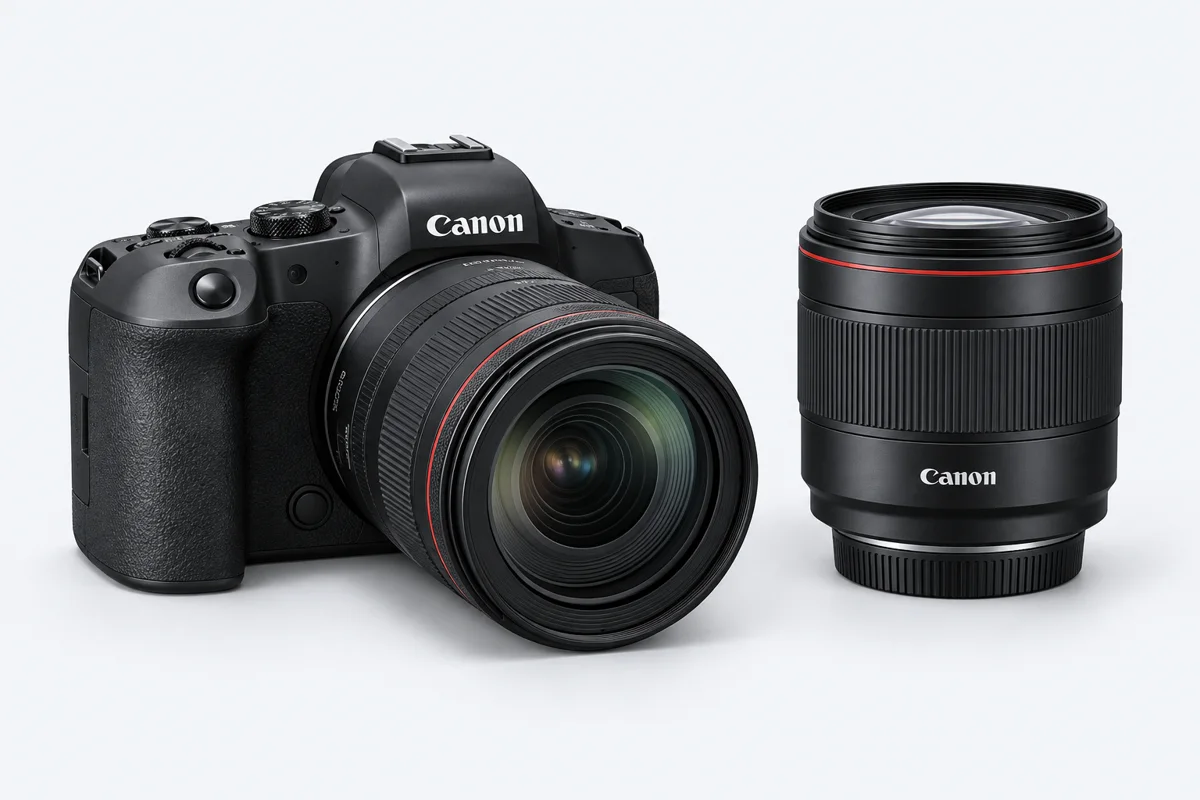
What does Error 01 mean?
For certain Canon EOS models, Err 01 means a communication problem between the camera and lens. The correct checks depend on the model and exact message, so send the full body and lens names.
Contacts, flexible connections or electronics in either the lens or body may be involved. Some cases involve the aperture. It is not reasonable to assume that every Error 01 requires the same repair.
What can you check without opening the equipment?
Switch the camera off and check that a compatible lens is mounted correctly, without force. Follow the manufacturer instructions for your model. Do not use sprays, abrasives or metal objects on contacts, or open the lens.
If you have another known-working compatible lens and there is no impact or mechanical damage, note whether the message also appears with that lens. Stop repeated attempts if the mechanism jams or makes unusual sounds.
What information helps the workshop?
Tell us whether the error appears at startup, on release, when changing aperture or at a particular zoom position. Say whether it is constant or intermittent and whether a drop or liquid exposure came first.
These details help us reproduce the symptom and direct testing. A short video of the message can help, but does not replace inspection.
How do inspection and repair work?
We check camera-to-lens communication, contacts and the relevant assemblies. Only after identifying the cause do we agree the work and check parts availability.
Depending on the findings, work may involve a connection, flexible cable or another faulty assembly. We explain price and timing after inspection; there is no universal repair price based only on the error number.